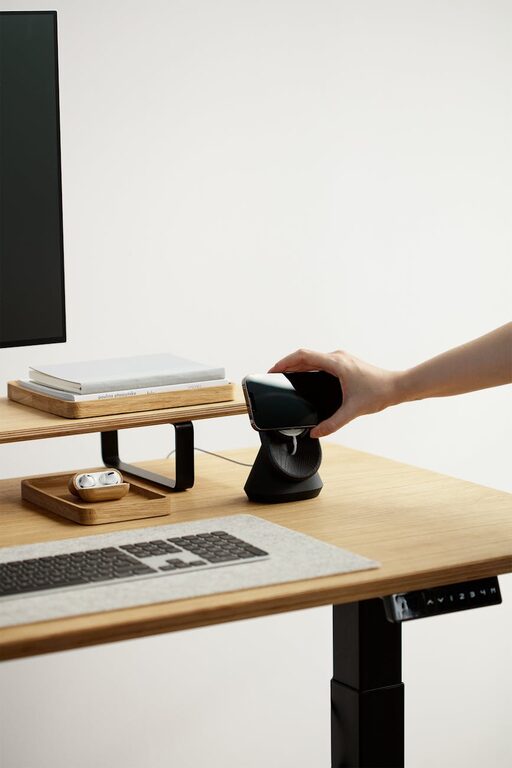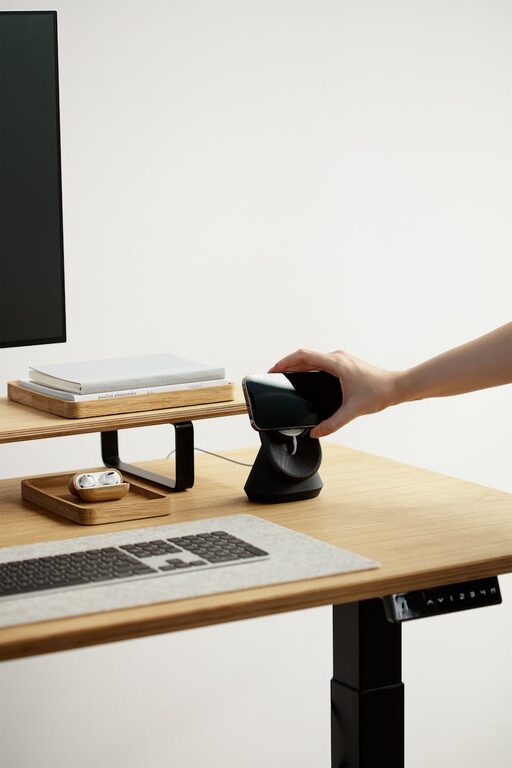

Creating a productive home office environment is essential for anyone working remotely or running a business from home. A well-planned workspace not only improves your focus and efficiency but also supports your physical well-being. Whether you’re new to working from home or looking to improve your current setup, these tips can help you design a space that keeps you motivated and comfortable throughout the day.
Choose the Right Location
The first step in creating a productive home office is selecting the right spot in your home. Ideally, this should be a quiet area with minimal distractions where you can focus.
– Separate from living areas: Choose a room or corner away from noise and household activity.
– Natural light: If possible, set up near a window to benefit from natural light, which can improve mood and energy.
– Good ventilation: A well-ventilated space helps keep you alert and comfortable.
Invest in Ergonomic Furniture
Comfort is key to staying productive for long periods. Ergonomic furniture supports your body and reduces the risk of strain or injury.
– Ergonomic chair: Look for adjustable lumbar support, seat height, and armrests.
– Desk: Choose a desk at the right height that provides enough space for your computer and other essentials.
– Monitor position: Your screen should be at eye level to prevent neck strain.
Organize Your Workspace
A clutter-free workspace can help clear your mind and reduce distractions.
– Declutter regularly: Remove unnecessary items from your desk.
– Storage solutions: Use shelves, filing cabinets, or desk organizers to keep papers and supplies tidy.
– Cable management: Keep cords and chargers neatly arranged to avoid tangles.
Set Up Proper Lighting
Good lighting is crucial to reduce eye strain and keep you alert.
– Task lighting: Use adjustable desk lamps for focused work.
– Avoid glare: Position your monitor to avoid glare from windows or overhead lights.
– Balanced lighting: Combine natural and artificial light for a comfortable environment.
Minimize Distractions
Creating boundaries between work and home life helps maintain focus.
– Establish boundaries: Inform family members or roommates of your work hours.
– Use noise-cancelling headphones: These can block out household noise.
– Limit smartphone use: Keep your phone on silent or use apps to minimize distractions during work time.
Personalize Your Space
Adding personal touches can make your workspace more inviting and boost your mood.
– Inspiring decorations: Hang artwork or photos that motivate you.
– Plants: Adding greenery can improve air quality and create a calming atmosphere.
– Comfortable items: Include a cushion or throw for added comfort.
Maintain a Routine
Consistency helps you stay productive and separate work from leisure.
– Set specific work hours: Stick to a daily schedule as if you were going to an office.
– Take breaks: Short, regular breaks can improve focus and prevent burnout.
– Dress for work: Wearing work-appropriate clothes can mentally prepare you for the day.
Utilize Technology Wisely
Choosing the right tools and keeping them organized can streamline your workflow.
– Reliable internet: Ensure you have a stable and fast internet connection.
– Software tools: Use productivity apps for task management, communication, and time tracking.
– Backup systems: Regularly back up your files to avoid data loss.
Keep Physical and Mental Health in Mind
Your health directly affects your productivity.
– Stay active: Incorporate stretches or short walks into your day.
– Healthy snacks: Keep nourishing options nearby to maintain energy.
– Mindfulness: Practice techniques like deep breathing or meditation to reduce stress.
—
Creating a productive home office environment takes some planning and effort, but the benefits are well worth it. By choosing the right location, investing in ergonomic furniture, organizing your space, and maintaining good habits, you can build a workspace that supports your best work every day.